
FREE EXTENSION · NO ACCOUNT
Capture anything.
Mark it up.
Share a link.
Shotko is a free Chrome, Edge, Brave, Opera, and Firefox extension. Drag to grab any part of a page, add arrows, text, and blur, then copy a shareable link — in seconds.
No account needed · screenshots auto-delete after 7 days · 100% free, forever.
Works on Chrome, Edge, Brave, Opera, and Firefox (including Android)
Three steps, about five seconds
Grab it, mark it, send it. No sign-up, no friction.
Capture
Drag to select any region, grab the visible screen, or capture the whole scrolling page — right from the toolbar or the right-click menu.
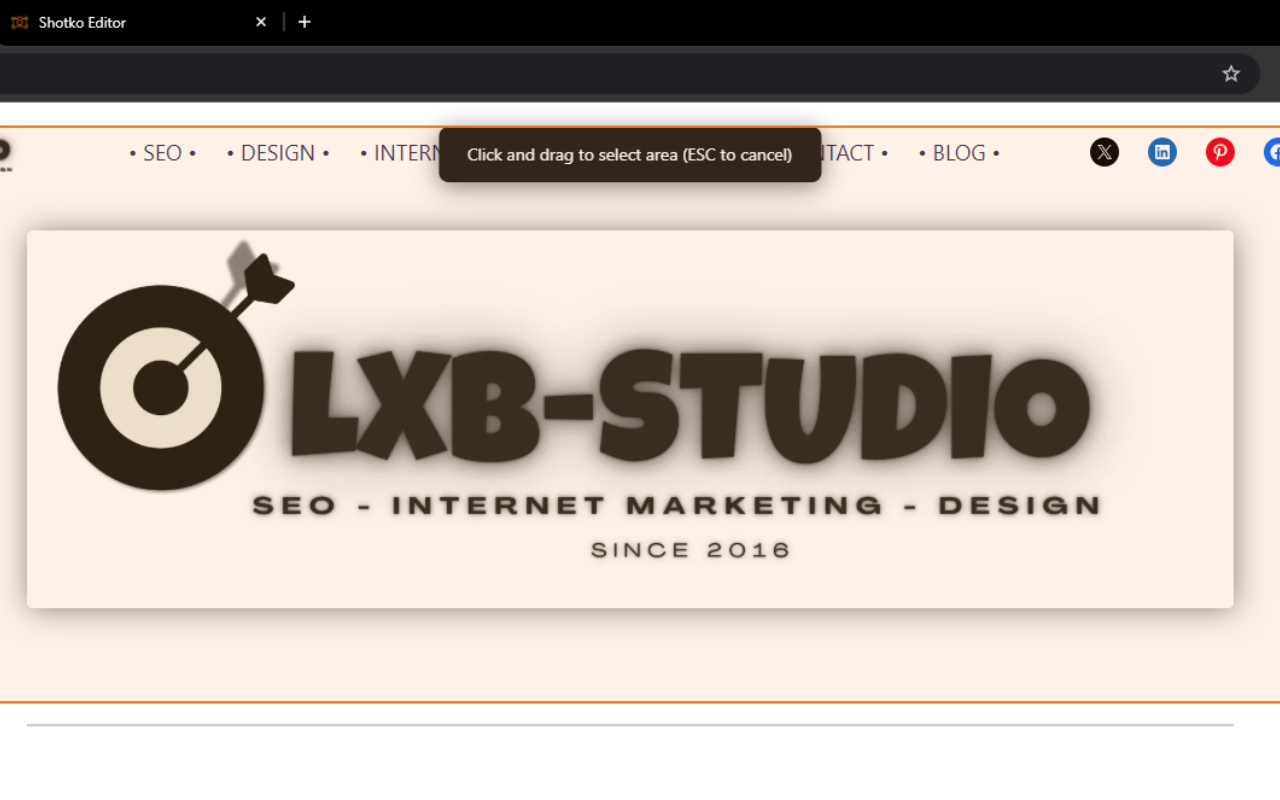
Annotate
Add arrows, text, rectangles, and highlights — or blur anything sensitive — in a fast, focused dark editor.
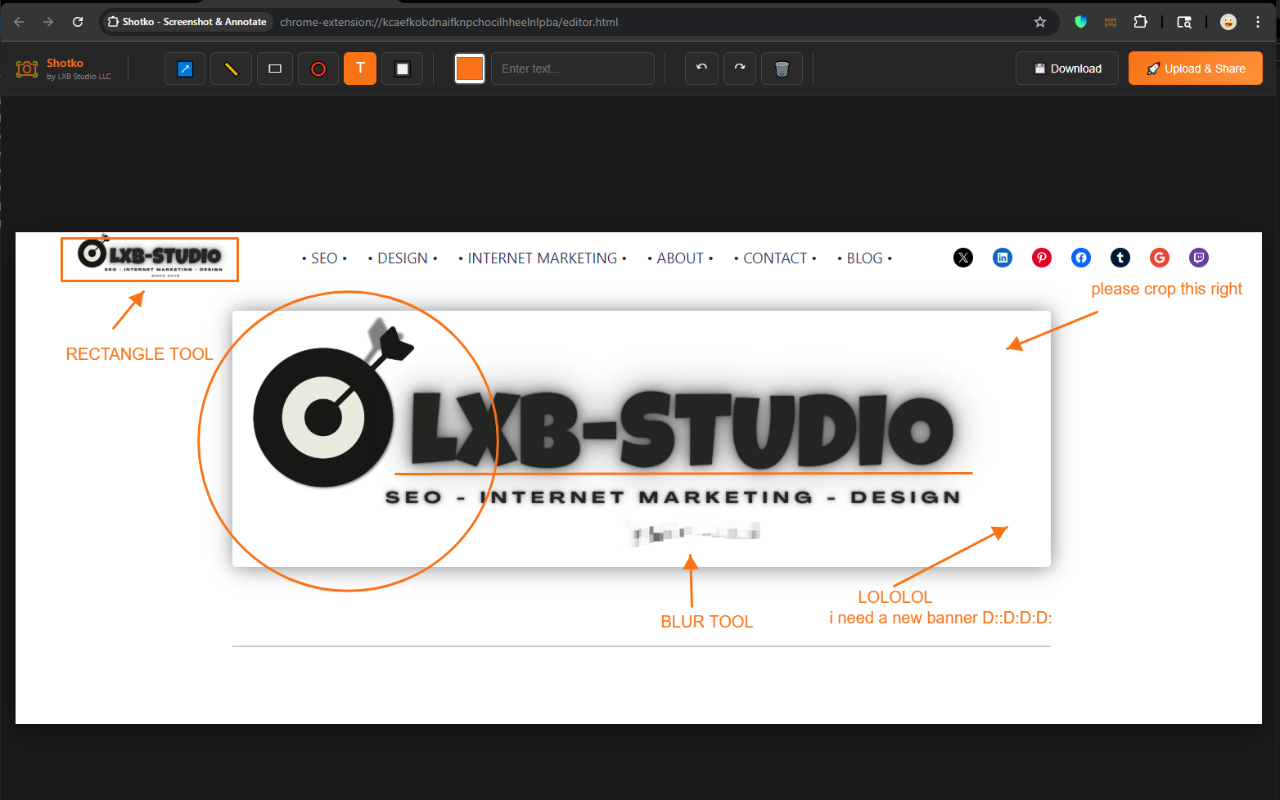
Share
One click uploads your shot and copies a shareable link to your clipboard. Paste it anywhere — done.
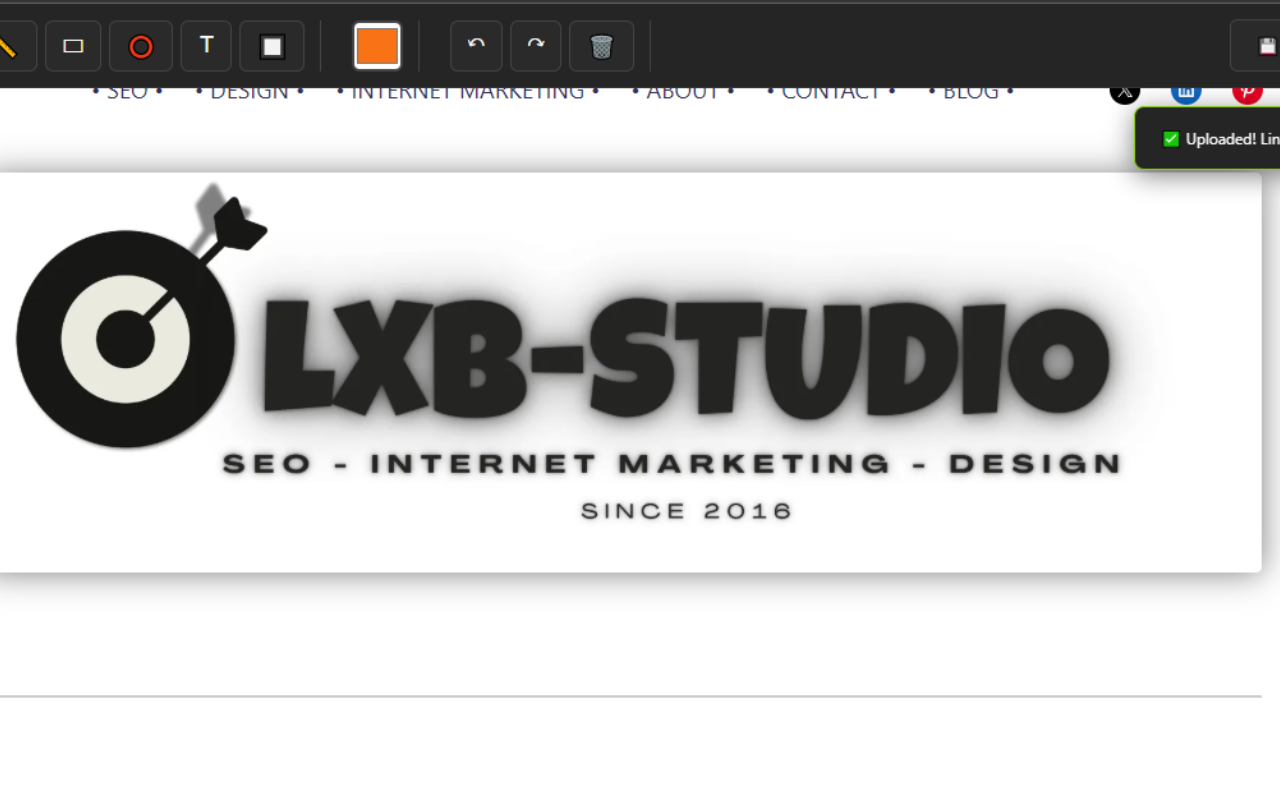
Everything you need, nothing you don't
Flexible capture
Full page, visible area, or a precise selection — capture exactly what you need.
Powerful annotations
Arrows, text, shapes, highlights, and blur for sensitive information.
Instant sharing
One-click upload with an automatic link copy — share in seconds.
Privacy-first
7-day auto-delete, no accounts required, and no tracking.
Focused dark editor
Easy on the eyes, fast, and out of your way while you work.
100% free
No trials, no hidden fees, no credit card — ever.
Capture without leaving the page
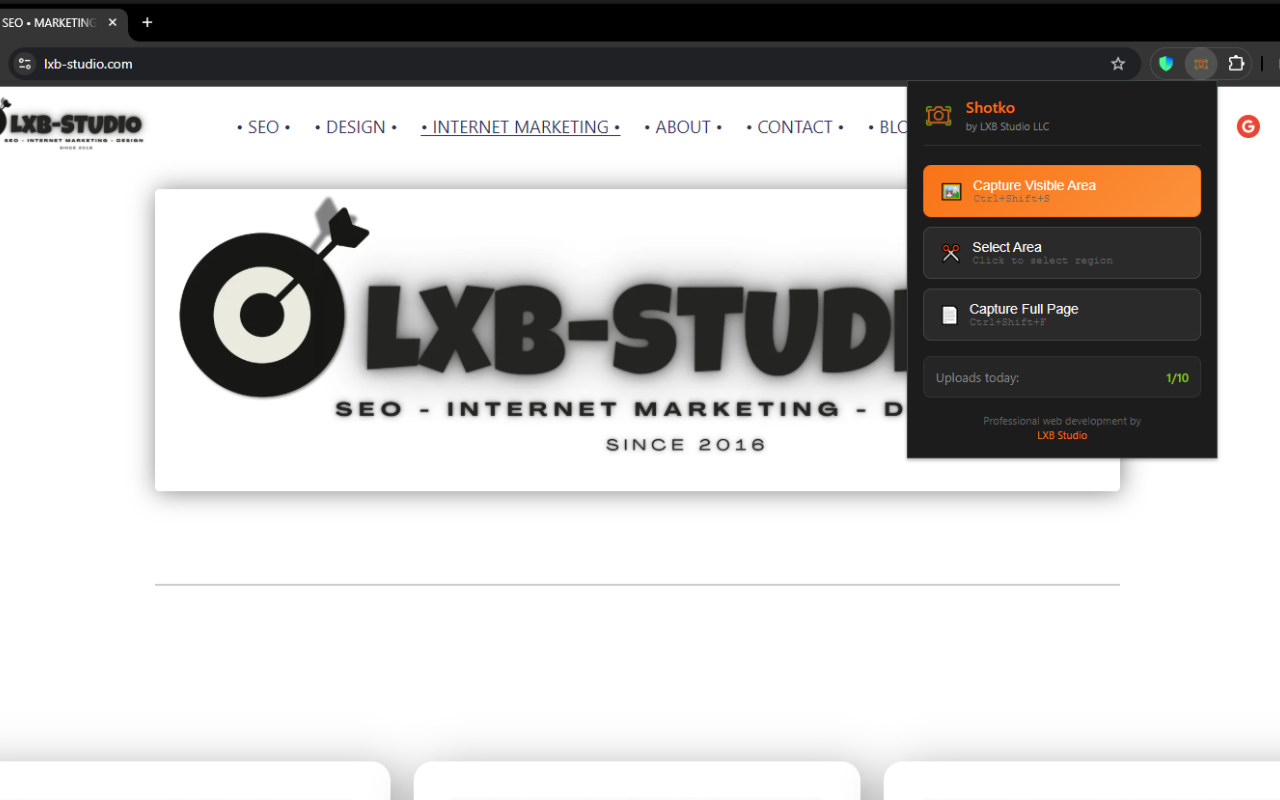
Shotko lives in your browser's right-click menu, so you can grab a shot of anything — an image, a selection, or the full page — without hunting for a button.
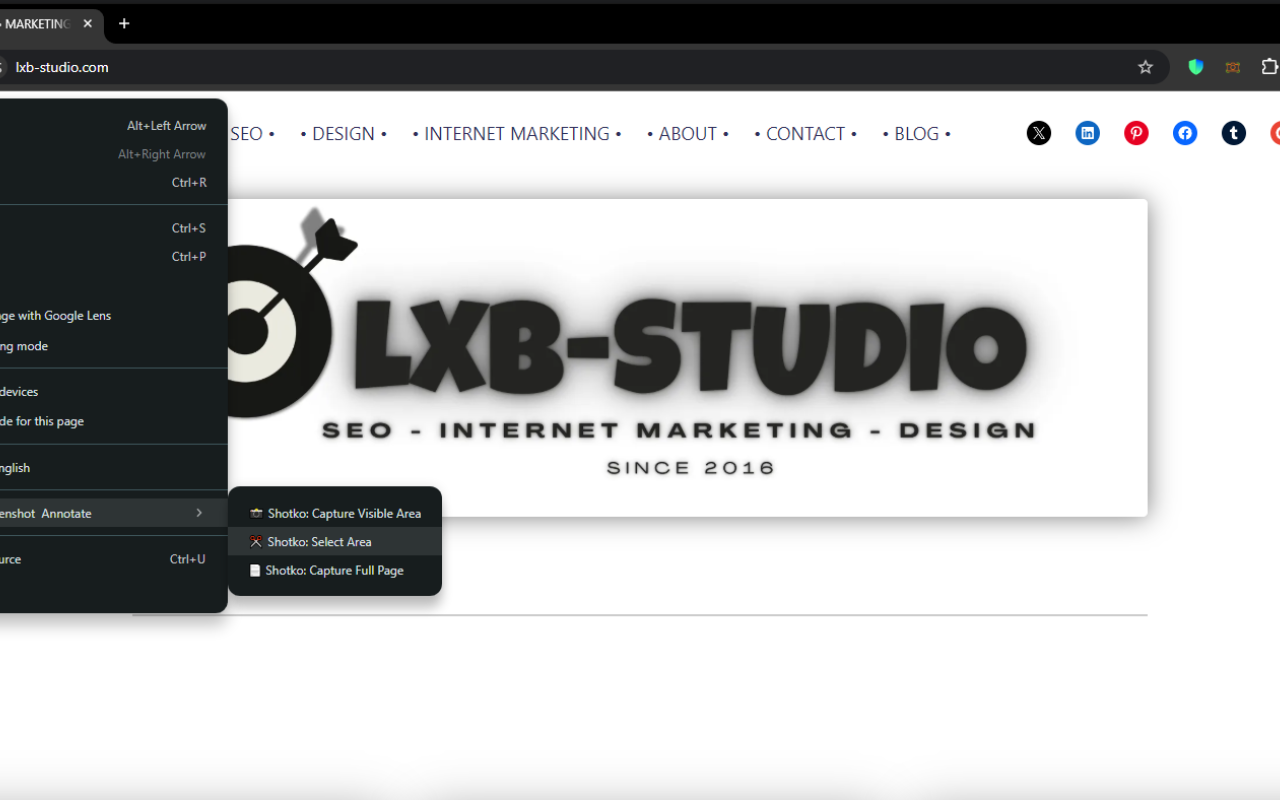
One click from anywhere
Pin Shotko to your toolbar for instant access to every capture mode, plus the keyboard shortcuts Ctrl+Shift+S and Ctrl+Shift+F.
Built for anyone who's said "let me send you a screenshot"
Developers
- Bug reports with annotations
- Code reviews with highlights
- Feature documentation
Designers
- Client feedback on mockups
- Design review annotations
- Portfolio presentations
Support teams
- Visual troubleshooting guides
- Step-by-step instructions
- Customer issue docs
Content creators
- Tutorial screenshots
- How-to guides with callouts
- Documentation with context
Project managers
- Visual project updates
- Task clarification
- Team communication
Everyone else
- Give feedback on websites
- Report issues visually
- Explain things clearly
Frequently asked questions
No extension? Drop a file here.
Upload a screenshot to share as-is — no editing. Get the extension for annotations.
Drag & drop or click to upload
PNG, JPG, WebP, AVIF, GIF, BMP · Max 8MB
10 / 10 free uploads left today